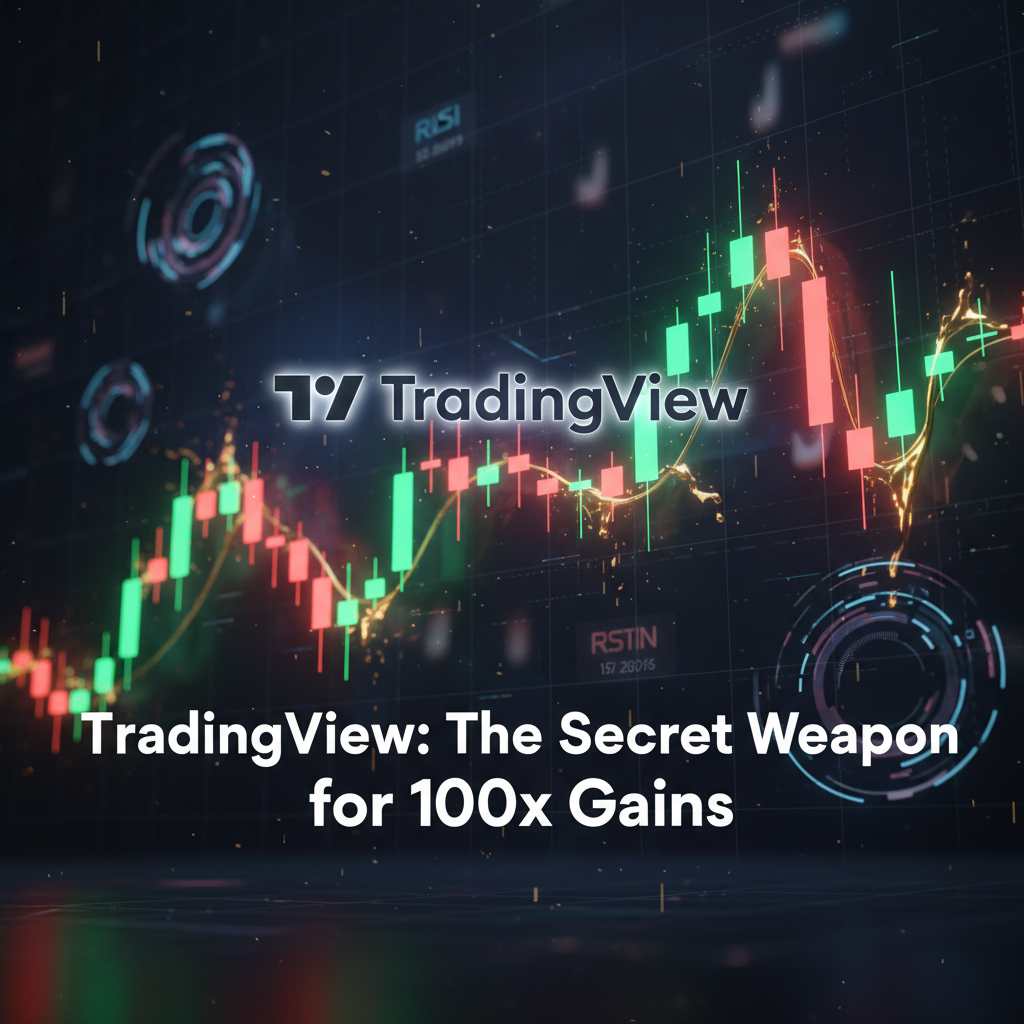
TradingView crypto trading has become the standard for traders who want clean charts, powerful alerts, and reliable technical analysis in fast-moving markets. In 2026, with crypto volatility higher than ever, using TradingView correctly matters more than which indicator you use. This guide breaks down the best tools, indicators, and setups on TradingView that actually help you trade crypto with clarity and discipline.
If you trade crypto seriously in 2026, chances are TradingView is already part of your daily routine—or it should be.
Over the years, TradingView has evolved from a simple charting platform into the industry standard for technical analysis, especially in crypto markets where speed, clarity, and alerts matter more than ever. The key difference isn’t just the charts themselves, but how efficiently you can analyze, plan, and step away without missing critical moves.
This guide breaks down the best TradingView tools and indicators for crypto trading in 2026, focusing on what actually improves decision-making—not on flashy indicators that look good but add little value.
Why TradingView Is Still the Go-To Platform for Crypto Traders
One of the biggest reasons traders stick with TradingView is fluidity. Once you get used to how fast charts load, how smooth drawing tools feel, and how easily everything syncs across devices, most other platforms feel outdated.
For crypto traders, this matters because:
- Markets run 24/7
- Volatility is constant
- Missing a level often means missing the trade
TradingView removes friction. You spend less time fighting the tool and more time focusing on price.
Essential TradingView Tools Every Crypto Trader Should Master
Cloud-Based Alerts (Non-Negotiable in 2026)
If there’s one feature that truly separates TradingView from competitors, it’s cloud alerts.
Instead of staring at charts all day, you can:
- Set alerts on key support and resistance levels
- Receive notifications on your phone, email, or app
- Let the market come to you
This single feature helps reduce overtrading and emotional decisions. Knowing you’ll be alerted when price matters allows you to stay disciplined—and sane.
Drawing Tools That Actually Matter
Most profitable crypto traders don’t rely on dozens of indicators. They rely on structure.
TradingView’s core drawing tools are more than enough:
- Horizontal levels for support and resistance
- Trendlines for market direction
- Channels for range-bound price action
- Fibonacci retracements for pullback zones
Mastering these tools does far more for your consistency than stacking indicators ever will.
Bar Replay: The Most Underrated Tool for Crypto Traders
The Bar Replay feature is one of TradingView’s most powerful tools—and one of the least used.
It allows you to:
- Replay historical price action candle by candle
- Practice entries and exits without hindsight bias
- Test your strategy as if the market were live
This kind of manual backtesting builds real confidence and improves execution far more than scrolling Twitter for new indicators.
Best Indicators on TradingView for Crypto (What’s Worth Using)
TradingView’s community-driven Pine Script library is massive. That’s both a blessing and a trap.
Core Indicators That Still Work
In 2026, these remain relevant when used correctly:
- Volume – Essential for confirming breakouts and fake moves
- VWAP – Especially useful for intraday crypto trading
- RSI – Best used for divergence, not overbought/oversold signals
- Moving Averages (EMA 20 / 50 / 200) – Market structure, not signals
The key is context, not signals. Indicators should confirm price action, not replace it.
Custom Pine Script Indicators: Use With Caution
Community indicators can be helpful, but many are:
- Over-optimized
- Lagging
- Designed to look impressive, not to trade live
If you use custom indicators, limit yourself to one or two at most, and only if you fully understand what they measure.
More indicators don’t mean better analysis—they often lead to analysis paralysis.
TradingView Free vs Paid Plans: What Actually Changes
TradingView’s free version is usable, but restrictive.
Main limitations:
- Limited number of indicators per chart
- Fewer alerts
- Ads
Paid plans unlock:
- Multiple alerts (critical for crypto)
- Cleaner charts
- More flexibility across timeframes
For active crypto traders, the ability to run multiple alerts simultaneously alone often justifies the upgrade.
Common TradingView Mistakes Crypto Traders Make
Overloading Charts With Indicators
This is one of the most common beginner mistakes:
- Too many indicators
- Conflicting signals
- No clear decision framework
Clean charts lead to clearer decisions.
Ignoring Alerts and Staring at Screens
Ironically, many traders don’t use alerts properly and end up glued to charts all day. This increases fatigue and emotional trades.
Let alerts do the work.
How to Use TradingView Effectively for Crypto in 2026
A simple, effective setup:
- One primary timeframe (4H or Daily)
- One execution timeframe (15m or 1H)
- Key levels marked clearly
- Alerts placed before price reaches them
- Minimal indicators
This approach scales across Bitcoin, altcoins, and even stocks—without changing tools.
Is TradingView Worth It for Crypto Traders in 2026?
Yes—but only if you use it correctly.
TradingView isn’t powerful because of how many indicators it offers. It’s powerful because it:
- Reduces friction
- Encourages planning
- Supports disciplined execution
Si se utiliza correctamente, se convierte menos en una plataforma de gráficos y más en un marco de toma de decisiones .
Final Thoughts
In 2026, TradingView crypto trading remains the best environment for crypto traders who value clarity over complexity.
Master the core tools, respect price action, and let alerts and structure guide your decisions. The edge doesn’t come from the latest indicator—it comes from using simple tools consistently.
Quick FAQ
¿TradingView es una buena opción para principiantes?
Sí, sobre todo si se centran en el precio y la estructura en lugar de los indicadores.
How many indicators should I use?
Ideally no more than 1–3, and only as confirmation.
Can I trade directly from TradingView?
You can connect brokers, but many crypto traders still execute on exchanges.